
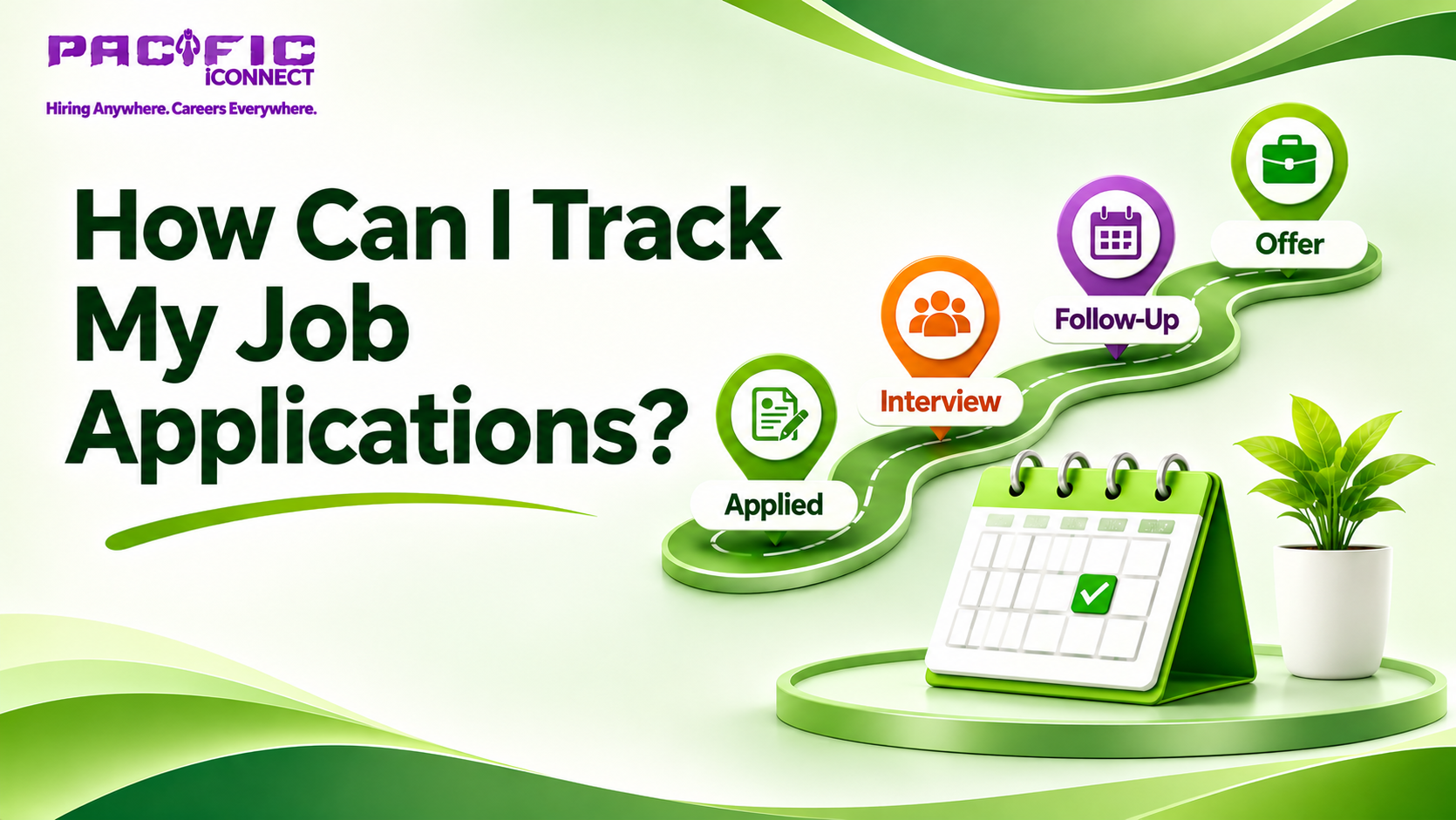
Applying for jobs is an important part of building a career, but managing multiple applications can quickly become confusing. You may apply to several companies in one week and later struggle to remember which position you applied for, when you submitted your resume or whether the recruiter contacted you.
For freshers and experienced professionals, keeping track of applications is an important part of an organised job search.
As a job seeker, you should not depend entirely on your memory or email notifications. A simple job application tracking system can help you monitor opportunities, remember follow-ups, prepare for interviews and understand your job search progress.
In this guide, we will explain how to track job applications using simple methods that anyone can follow.
1. Create a Job Application Tracking Sheet
The easiest way to track your applications is to create one central spreadsheet using Microsoft Excel or Google Sheets.
You do not need complicated software. A simple table can help you manage your entire job search.
Create columns for:
- Company name.
- Job position.
- Job location.
- Date of application.
- Application source.
- Resume version submitted.
- Application status.
- Recruiter contact details, if available.
- Follow-up date.
- Notes or next steps.
For example:
Company
Job position
Applied on
Status
Next action
Company A
HR Executive
18 Nov
Applied
Check update
Company B
Accountant
19 Nov
Interview
Prepare for interview
Company C
Sales Executive
20 Nov
Assessment
Complete assessment
Update the sheet whenever you submit a new application or receive an update.
This gives you a single place to review your job search activities.
2. Maintain a Separate Status for Every Application
One common mistake job seekers make is treating every submitted application as if it has the same status.
However, each application may be at a different stage.
Use simple status labels such as:
Saved: You found a vacancy but have not applied yet.
Preparing: You are updating your resume or completing the application.
Applied: Your application has been submitted.
Screening: The employer or recruiter is reviewing your profile.
Interview: You have received an interview invitation.
Assessment: You have been asked to complete a test or assignment.
Offer: You have received a job offer.
Rejected: The employer has informed you that you were not selected.
Withdrawn: You decided not to continue with the application.
Closed / No response: The opportunity is no longer active for you.
Using consistent labels makes it easier to understand your application progress at a glance.
3. Record Where You Applied for Each Job
Job vacancies are available through different channels, including recruitment websites, company career pages, professional networking platforms and referrals.
When tracking applications, record the source of each opportunity.
For example:
- Company website.
- LinkedIn.
- Online job portal.
- Recruitment consultancy.
- Employee referral.
- Pacific iConnect.
- Other professional networks.
Why is this important?
After a few weeks, you can review which platforms are helping you discover relevant opportunities and where you are receiving responses.
This information can help you decide where to focus your future job search efforts.
4. Save the Original Job Description
Have you ever received an interview call but struggled to remember the exact responsibilities mentioned in the vacancy?
This can happen when you apply to several positions.
To avoid this problem, save a copy of the job description or its link when you apply.
Keep important details such as:
- Job responsibilities.
- Required qualifications.
- Skills mentioned in the advertisement.
- Experience requirements.
- Salary information, if provided.
- Job location.
- Company name and website.
You can also add a short note explaining why you applied for that particular position.
Before an interview, review the saved job description so you can prepare relevant answers.
5. Track Which Resume You Submitted
If you apply for different types of jobs, you may use slightly different versions of your resume.
For example, you might maintain separate versions for:
- HR and recruitment positions.
- Accounting and finance jobs.
- Sales and marketing roles.
- Customer support positions.
- Technical jobs.
Record the resume version you submitted for each application.
This is useful when a recruiter contacts you after several days or weeks. You can review the exact information you shared instead of trying to remember which resume you used.
Always ensure that every version contains accurate information about your qualifications and experience.
6. Set Follow-Up Dates
Submitting an application does not always result in an immediate response.
Some employers may contact you within a few days, while others may take longer because of internal recruitment procedures.
Instead of repeatedly checking your email, record a follow-up date for each active application.
Here are some practical guidelines:
- Check whether the vacancy mentions a response timeline.
- Follow the employer's stated communication instructions.
- If no timeline is provided, consider a polite follow-up after a reasonable waiting period, such as five to seven business days.
- Avoid sending repeated messages within short intervals.
- Update your tracker after sending a follow-up.
A simple follow-up record could look like this:
Company
Application date
Follow-up date
Status
Company A
12 Nov
20 Nov
Follow-up sent
Company B
15 Nov
24 Nov
Waiting
Company C
17 Nov
Not scheduled
Recently applied
Remember, following up does not guarantee a response. Continue exploring other suitable vacancies while waiting.
7. Use Your Calendar for Interview Reminders
When you apply for multiple jobs, interview dates and assessment deadlines can overlap.
Use your phone calendar or digital planner to record:
- Interview dates and times.
- Online interview links.
- Recruiter contact details.
- Assessment deadlines.
- Documents required.
- Follow-up reminders.
Set reminders in advance so you have enough time to prepare.
For an interview, also record the company name, position and interviewer's details, if available.
This helps you avoid confusion when multiple employers contact you.
8. Review Your Job Applications Every Week
Tracking applications is not just about recording information. It is also about understanding your progress.
Spend some time every week reviewing your tracker.
Ask yourself:
- How many relevant vacancies did I apply for?
- Which applications received responses?
- How many interviews are scheduled?
- Which applications need follow-up?
- Which job roles are generating more interest?
- Do I need to improve my resume?
- Am I applying for positions that match my qualifications?
For example, if you have applied for several accounting positions but have not received responses, review your resume and compare it with the requirements of those vacancies.
Your tracker can help you identify patterns, although it cannot tell you the exact reason an employer did not respond.
9. Choose a Tracking Method That Is Easy to Maintain
Not every job seeker needs advanced application management software.
Choose a method that suits your daily routine.
Google Sheets: Useful for creating a simple application tracker that you can update from different devices.
Microsoft Excel: Suitable for organising multiple applications, sorting records and filtering statuses.
Notion or Trello: Useful if you prefer a visual board with stages such as Saved, Applied, Interview and Offer.
Phone Notes or a Notebook: A simple option for job seekers who have only a few applications to manage.
The most important thing is consistency. A simple tracker that you update regularly is more useful than a complicated system that you stop maintaining.
10. Protect Your Personal Information
While organising your job search, remember that your tracker may contain company contacts, recruiter details and application information.
Keep it secure.
Avoid storing sensitive information such as passwords, bank details, identity document numbers or private login credentials in an ordinary job application spreadsheet.
Use official company websites and verified communication channels when submitting personal documents.
Also be careful of recruiters who request money for registration, interview confirmation or guaranteed job selection.
Your job application tracker should help you manage opportunities, not expose your personal information.
11. How Pacific iConnect Can Support Your Job Search
Pacific iConnect offers digital features that job seekers can explore while managing their career information and searching for suitable opportunities.
Here are some useful features:
Build CV: Prepare your CV and present your educational qualifications, skills and experience clearly.
Job Seeker Profile: Create a professional profile with relevant information about your background and career interests.
Location-Based Job Search: Explore available vacancies according to your preferred job location.
You can use these features to organise your professional information and discover job opportunities. For your personal application tracking, maintain a separate spreadsheet or tracking system to record application dates, responses, interviews and follow-ups.
Explore Pacific iConnect:
Website: https://www.pacificiconnect.com/
Final Thoughts
Tracking job applications is an important habit for every job seeker, especially when applying to multiple companies.
You do not need expensive software or a complicated system. Start with a simple spreadsheet, record every application, update its status and schedule follow-ups.
As a job seeker, staying organised can help you prepare better for interviews, avoid duplicate applications and understand your job search progress.
Remember, the goal is not just to track how many jobs you have applied for. It is to understand where every opportunity stands and what you should do next.